


Home
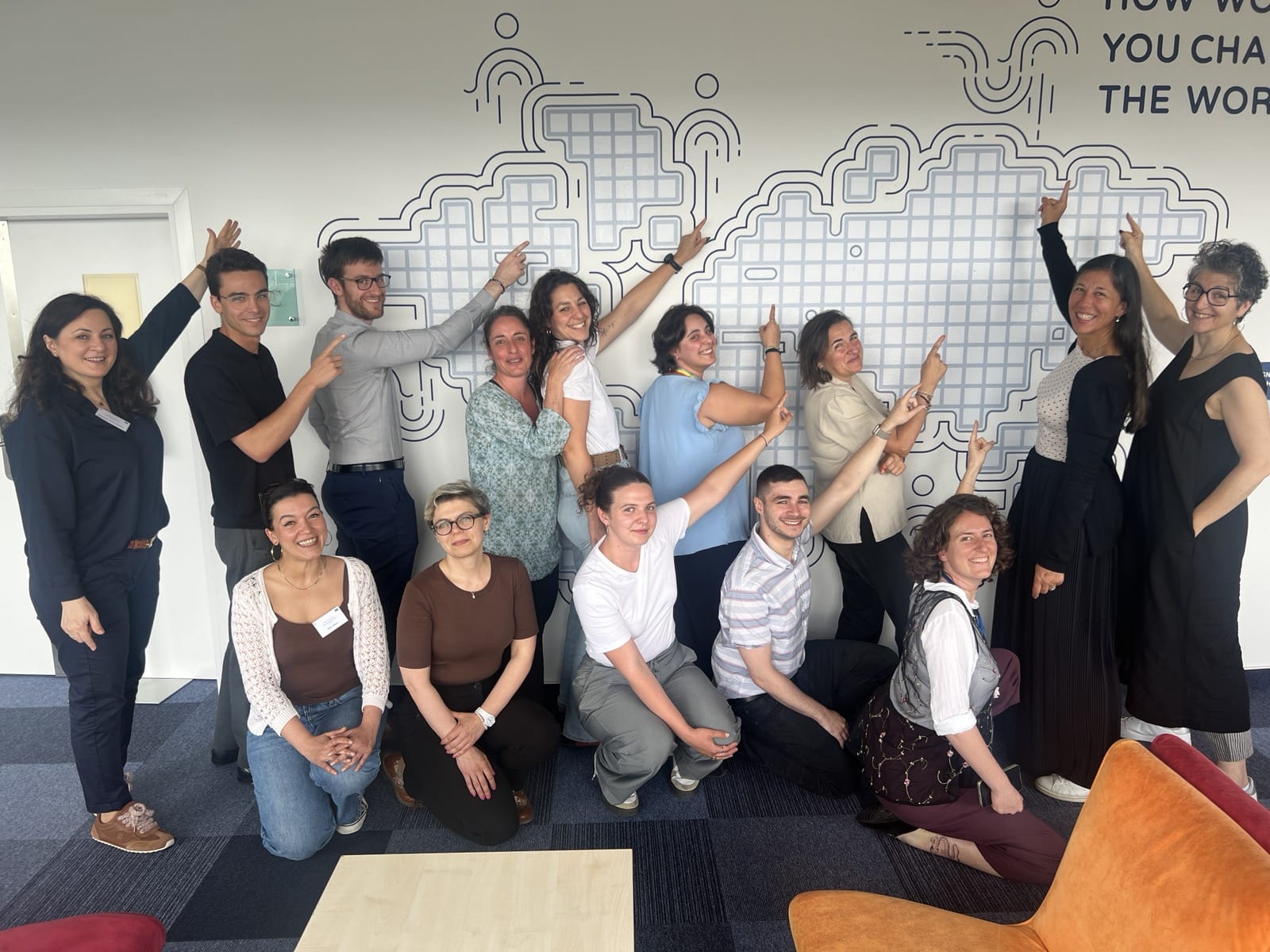
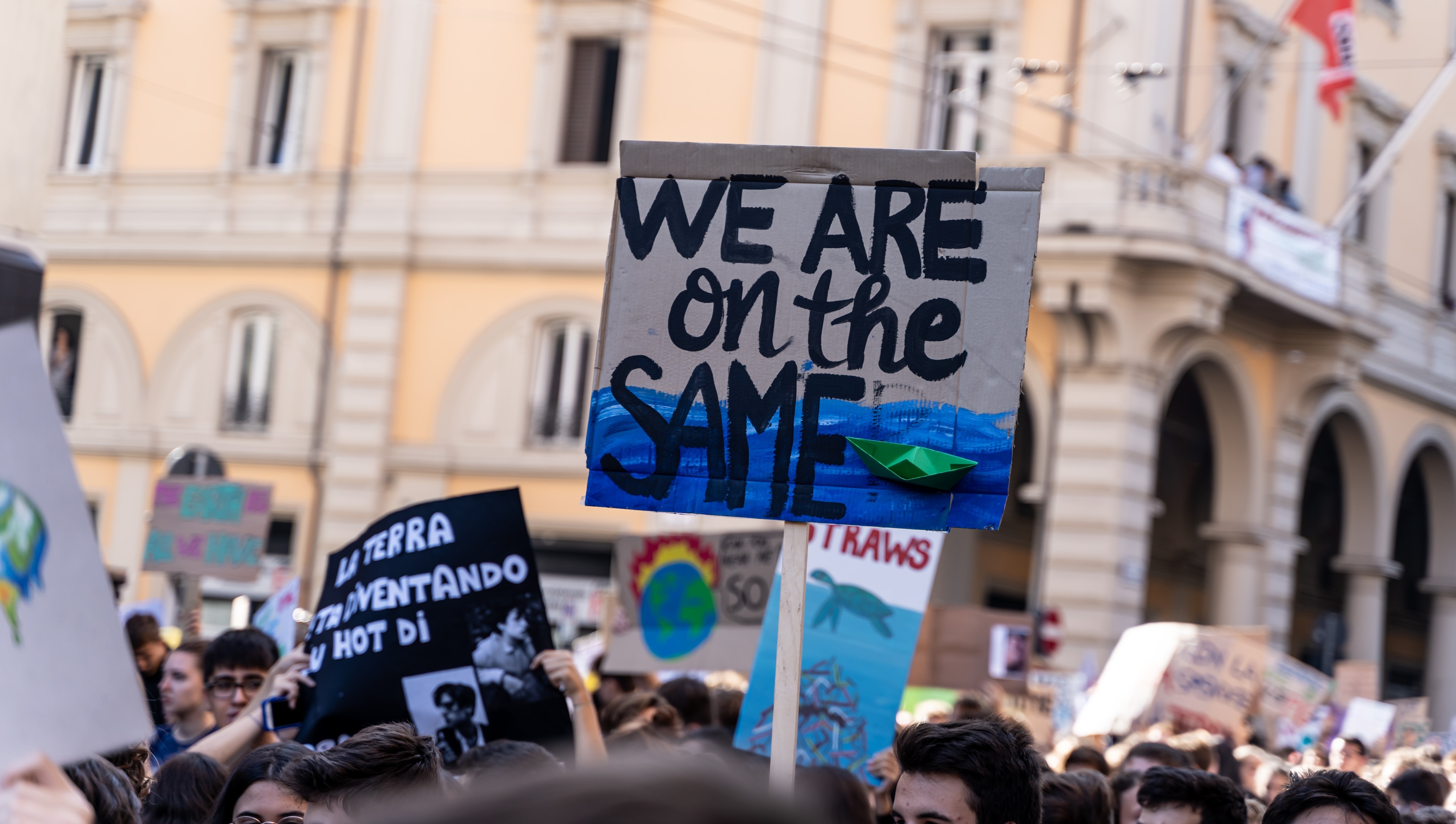
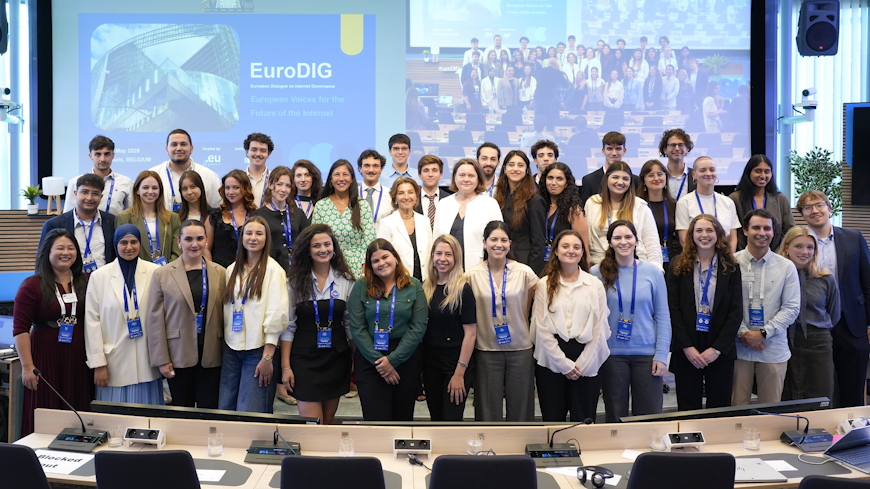

The Council of Europe youth sector works to empower young people across Europe to embrace, promote, and benefit from the core values of human rights, democracy, and the rule of law.
It focuses on strengthening young people’s access to rights, deepening their knowledge, and developing their skills so they can actively engage in democratic life. It is also encouraging meaningful participation in decision-making on all levels.
 Find more info on the essence of our work in Youth Sector Strategy 2030 and learn more about the unique co-management system!
Calls for participants
Ministerial conference

10th Council of Europe Conference of Ministers responsible for Youth
Valletta, Malta, 8 – 9 October 2025
Visit conference webpage 


quick links
 Subscribe to “Think Youth” newsletter
 Contact us
 Visit the European Youth Centre in Budapest and Strasbourg
 Instagram
 Facebook
 LinkedIn
 Direct access
Resources